How-To & Fixes
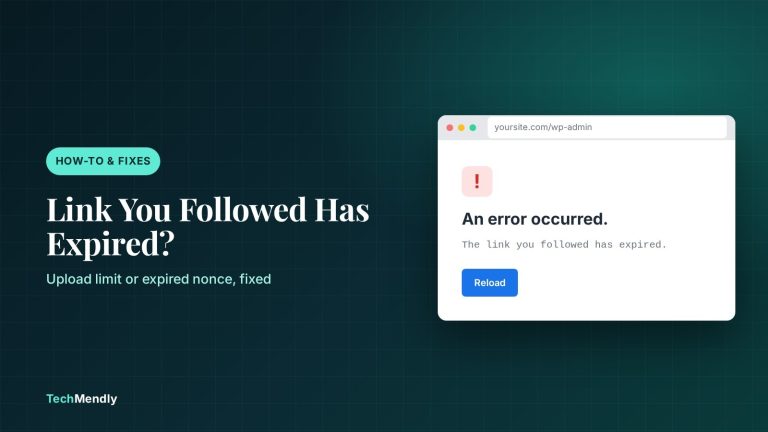
WordPress “The Link You Followed Has Expired”: 5 Fixes
Seeing "The link you followed has expired" in WordPress? Find the upload limit or expired nonce behind it and fix it with the right PHP settings.

Seeing "The link you followed has expired" in WordPress? Find the upload limit or expired nonce behind it and fix it with the right PHP settings.
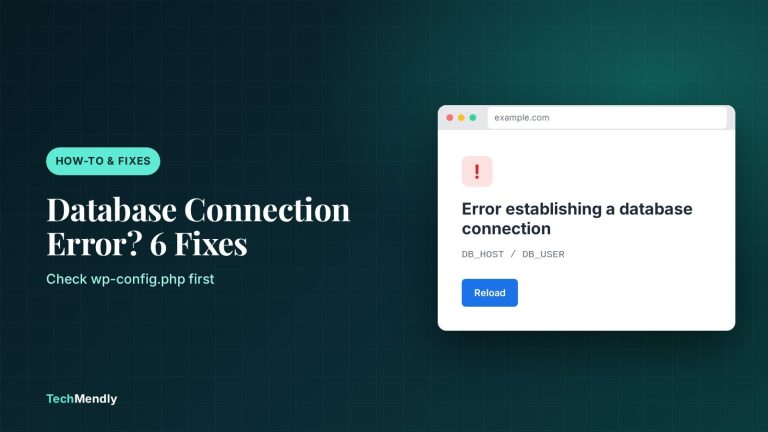
Seeing "Error establishing a database connection"? Check wp-config.php, database privileges and repair tools in order, and know when to call your host.
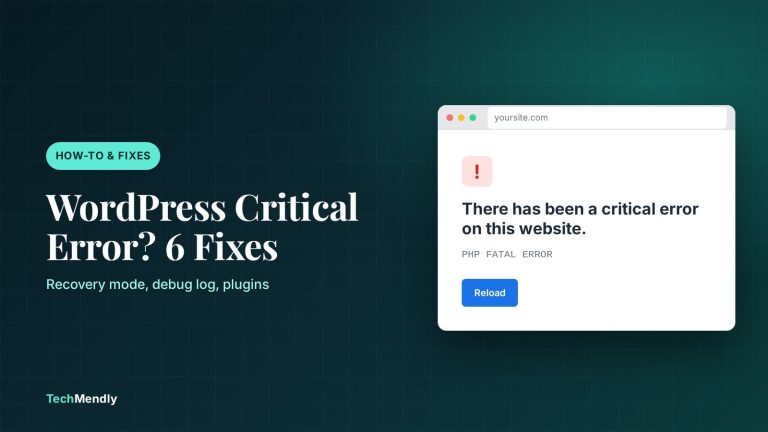
Seeing "There has been a critical error on this website"? Use the recovery email, debug log and a plugin check to find the cause and fix it fast.
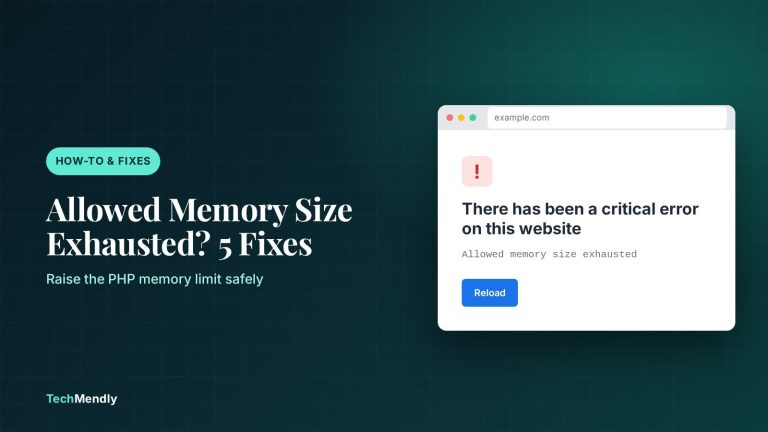
Allowed memory size exhausted in WordPress? Confirm the cause in the log, raise the PHP memory limit in wp-config.php or cPanel, then find the plugin behind it.
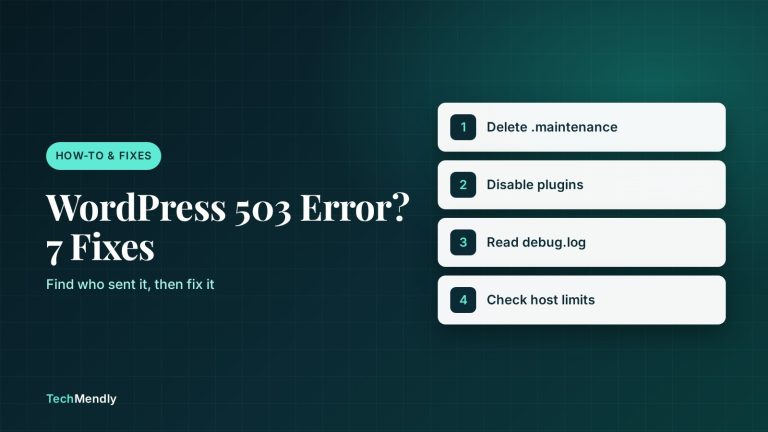
WordPress 503 Service Unavailable error? Check for a stuck maintenance file, a bad plugin, low memory or host limits, then fix it step by step.